Render one or more meshes as an orthographic dot cloud in base R
Source:R/plot-mesh-dotcloud.R
plot_mesh_dotcloud.RdProjects mesh vertices onto a 2D plane using an orthographic camera defined
by an eye position, a look-at point, and an up direction, then draws the
projected dots with base-R plot. Each dot is
rendered opaque, but its cex is modulated by a rim-light weight
\(1 - |n \cdot z_{cam}|\): front- and back-facing vertices shrink toward
zero size, while grazing-edge vertices keep their full size. This
size-modulated trick gives a rim-light look without paying R's per-point
transparency-blending cost.
Multiple meshes share a single depth space: all vertices are projected
together and sorted globally by depth before a single plot() call,
so the painter's algorithm works correctly across meshes. Meshes without
faces (point clouds) are rendered at full size and are not affected
by the side filter.
Usage
plot_mesh_dotcloud(
  mesh,
  eye = c(0, 0, 1000),
  lookat = c(0, 0, 0),
  up = c(0, 1, 0),
  col = c("white", "gray30"),
  pch = 16L,
  cex = 0.1,
  add = FALSE,
  axes = FALSE,
  asp = 1,
  xlim = NULL,
  ylim = NULL,
  zoom = 1,
  xlab = "",
  ylab = "",
  normal_weight = c("auto", "area", "angle"),
  side = c("front", "back", "both"),
  mesh_clipping = 0.7,
  alpha = 1,
  clipping_plane = NULL,
  clipping_plane_enabled = TRUE,
  ...
)
Arguments
- mesh
a
'mesh3d'object, or a list of'mesh3d'objects. Meshes without a face matrix ($it) are treated as point clouds. Ifmesh$normalsis absent and the mesh has faces, normals are recomputed withvcg_update_normals.- eye
numeric vector of length 3 - camera position in world space.
- lookat
numeric vector of length 3 - the world-space point the camera is looking at.
- up
numeric vector of length 3 - a world-space vector indicating which direction is "up" for the camera; defaults to
c(0, 1, 0).- col
base color(s) for the dots. Accepted forms:
A single color string - applied to all meshes.
A character vector of length 2 or more (not matching any vertex count) - used as a depth-ordered color gradient applied to all meshes.
A character vector of length equal to the number of vertices in a single mesh - per-vertex colors for that mesh.
A list of length equal to the number of meshes - each element is one of the above, applied to the corresponding mesh.
Default
"gray30".- pch
point character; a scalar or vector/list with one value per mesh, recycled as necessary. Default
16L.- cex
point expansion factor; a scalar or vector/list with one value per mesh, recycled as necessary. Default
0.1.- add
logical; if
TRUEthe dots are added to an existing plot instead of opening a new one. DefaultFALSE.- axes
logical; whether to draw axes on a new plot. Ignored when
add = TRUE. DefaultFALSE.- asp
aspect ratio of the new plot; default
1(equal scaling). Ignored whenadd = TRUE.- xlim, ylim
axis limits for the new plot;
NULL(default) lets R choose automatically from all meshes' projected vertices. Ignored whenadd = TRUE.- zoom
positive numeric magnification applied to the auto-computed axis limits when
xlimorylimisNULL. Values greater than1zoom in, values in(0, 1)zoom out. Whenaspis set, the zoom is plot-region aware (queried viapar("pin")): the axis that already fills the device afterasp-induced expansion is zoomed by exactlyzoom, and the other axis is zoomed less so the data fills more of the plot region while preserving the requestedasp. Ignored for any axis whose limit was supplied explicitly, and whenadd = TRUE. Default1.- xlab, ylab
axis labels for the new plot. Ignored when
add = TRUE.- normal_weight
passed to
vcg_update_normalswhen normals must be recomputed; one of"auto"(area if no normals present, otherwise skip),"area", or"angle". Default"auto".- side
which side of meshed surfaces to render. One of
"front"(default),"back", or"both"(renders all vertices). Point clouds are always rendered regardless of this setting.- mesh_clipping
numeric in
[0, 1]controlling how much of the surface is kept relative to the camera-facing direction. Vertices whose rim-light weight (\(1 - |n \cdot z_{cam}|\)) is at or below1 - mesh_clippingare dropped, leaving only the silhouette/grazing band.mesh_clipping = 1(no clipping) keeps all vertices; smaller values peel away more of the front/back-facing dots. Surviving vertices are drawn opaque, and theircexis multiplied by the rim-light weight so grazing-edge dots appear larger than near-front-facing dots. Drawing opaque points with size-modulated weight is dramatically faster than R's true per-point transparency. Default0.7.- alpha
numeric in
[0, 1]; one value per mesh (recycled), sets the transparency of each mesh (1= fully opaque,0= fully transparent). Vertices belonging to a mesh withalpha = 0are dropped entirely. Default1.- clipping_plane
optional list of world-space clipping planes used to hide parts of the scene. Each plane is a numeric vector of length 5: the first three entries are the plane normal \((n_x, n_y, n_z)\) (must be non-zero; normalized internally), the fourth is the signed distance from the world origin to the plane along that normal (so the plane equation is \(n \cdot x = d\)), and the fifth indicates which half-space is kept:
1keeps the front side (the side the normal points to),-1keeps the back side, and0keeps whichever side currently faces the camera (auto-flipped per call based oneye). Multiple planes are intersected. Clipping is applied per vertex. A single length-5 numeric vector is also accepted as shorthand for a one-plane list. DefaultNULL(no clipping).- clipping_plane_enabled
logical vector, one entry per mesh (recycled), controlling whether
clipping_planeis applied to that mesh.TRUE(default) means the mesh participates in clipping;FALSEexempts the mesh entirely (all of its vertices are kept regardless of the clipping planes). Has no effect whenclipping_planeisNULL.- ...
additional graphical parameters forwarded to
plot.default(new plot) orpoints(whenadd = TRUE).
Coercing Surface Inputs
The surface objects are converted to 'mesh3d' object before
applying further calculations.
When surface is a surface ieegio object, the returned
mesh3d$vb contains vertices that have been left-multiplied by
surface$geometry$transforms[[1]] (the first transform stored in the
geometry, typically the ScannerAnat or voxel-to-world transform).
Breaking change: Earlier versions (before 0.2.6) of ravetools
returned the raw surface$geometry$vertices without applying any
transform, so downstream code often multiplied by
surface$geometry$transforms[[1]] (or an equivalent) manually before
working in world space. Such code will now double
apply the transform and produce incorrect coordinates. If you previously
applied a transform from surface$geometry$transforms by hand after
calling a ravetools mesh function on an 'ieegio_surface',
remove that manual step.
Surfaces with an empty or missing geometry$transforms list (for
example, surfaces produced by ieegio's volume_to_surface,
which stores an identity transform) are unaffected.
If geometry$transforms contains multiple transforms targeting
different coordinate spaces, only the first one is used. Callers that need
a specific target space should select and apply that transform themselves
before calling ravetools mesh functions.
Examples
mesh <- vcg_isosurface(left_hippocampus_mask)
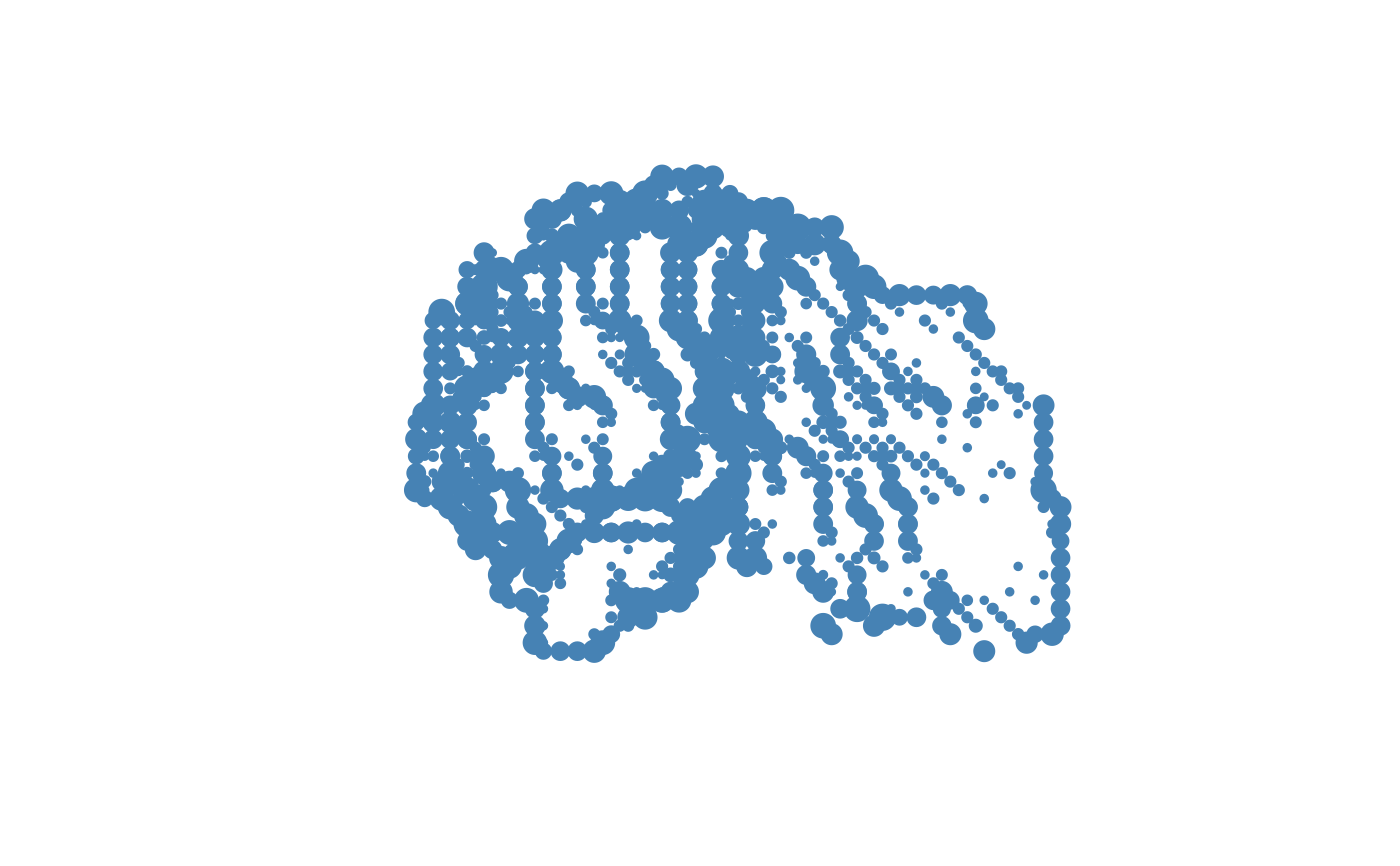
# Side view - rim-light shows the outline of the hippocampus
plot_mesh_dotcloud(
mesh,
eye = c(150, 0, 0),
lookat = c(0, 0, 0),
up = c(0, 0, 1),
col = "steelblue",
cex = 2
)
 # Two meshes: surface + electrode point cloud
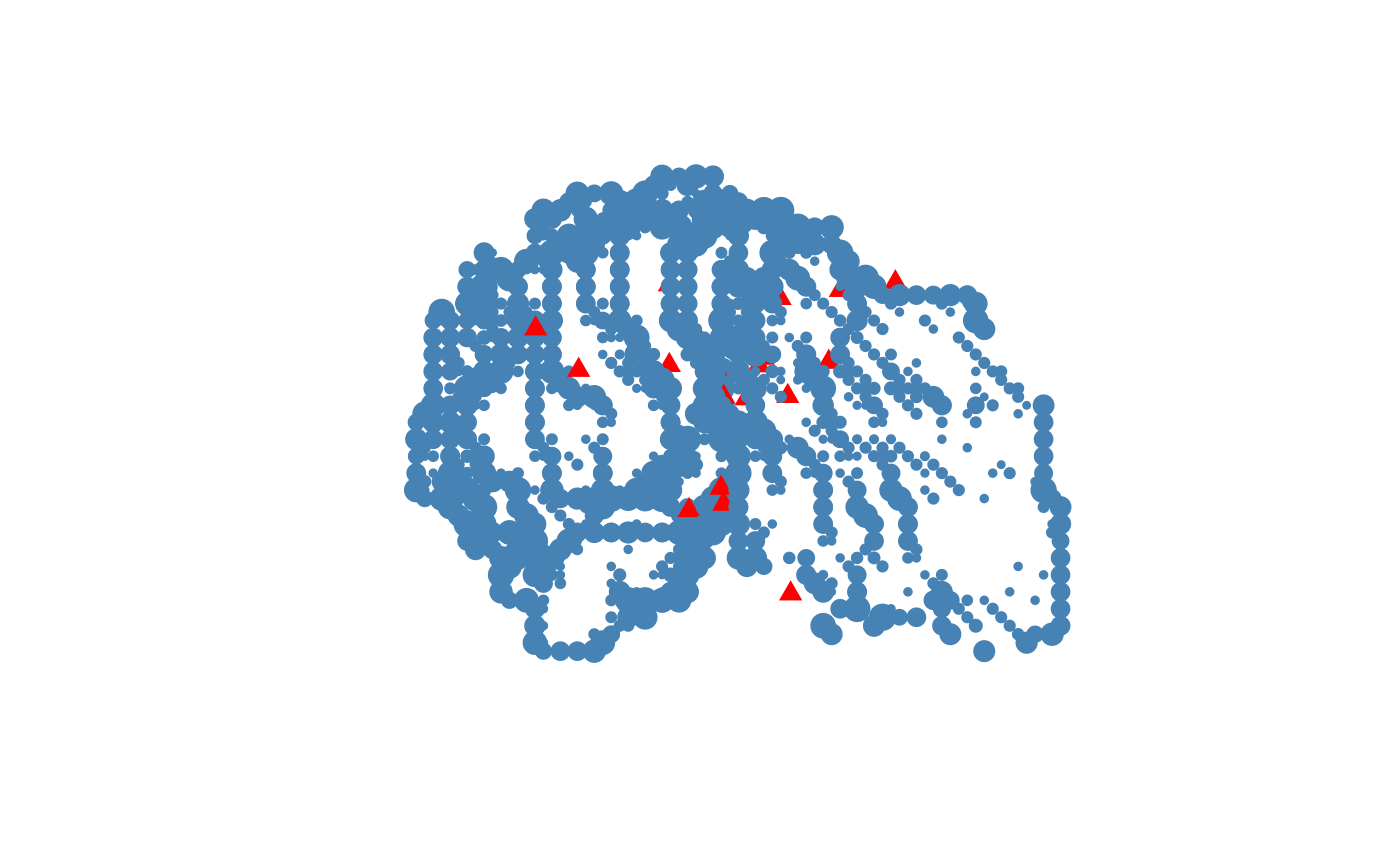
n_elec <- 20
electrodes <- structure(
list(vb = matrix(rnorm(3 * n_elec, sd = 5), 3, n_elec) +
rowMeans(mesh$vb)[1:3]),
class = "mesh3d"
)
plot_mesh_dotcloud(
mesh = list(mesh, electrodes),
eye = c(150, 0, 0),
lookat = c(0, 0, 0),
up = c(0, 0, 1),
col = list("steelblue", "red"),
pch = c(16L, 17L),
cex = c(2, 1.2)
)
# Two meshes: surface + electrode point cloud
n_elec <- 20
electrodes <- structure(
list(vb = matrix(rnorm(3 * n_elec, sd = 5), 3, n_elec) +
rowMeans(mesh$vb)[1:3]),
class = "mesh3d"
)
plot_mesh_dotcloud(
mesh = list(mesh, electrodes),
eye = c(150, 0, 0),
lookat = c(0, 0, 0),
up = c(0, 0, 1),
col = list("steelblue", "red"),
pch = c(16L, 17L),
cex = c(2, 1.2)
)